
Introduction
Images play a crucial role in websites, blogs, and social media. However, large image sizes can slow down your website and negatively impact user experience and search engine rankings.
That’s why image compression is essential. It helps reduce file size while maintaining visual quality.
In this guide, you will learn how to compress images online without losing quality using simple and free tools.
🧩 What is Image Compression?
Image compression is the process of reducing the file size of an image without significantly affecting its quality.
There are two types:
- Lossy compression (slight quality loss, higher compression)
- Lossless compression (no quality loss, lower compression)
For most websites, a balanced compression is recommended.
🚀 Why Image Compression is Important
1. Faster Website Loading
Large images slow down websites. Compression improves speed.
2. Better SEO Ranking
Page speed is a ranking factor. Faster sites rank higher.
3. Saves Storage Space
Compressed images take less storage.
4. Improves User Experience
Users prefer fast-loading websites.
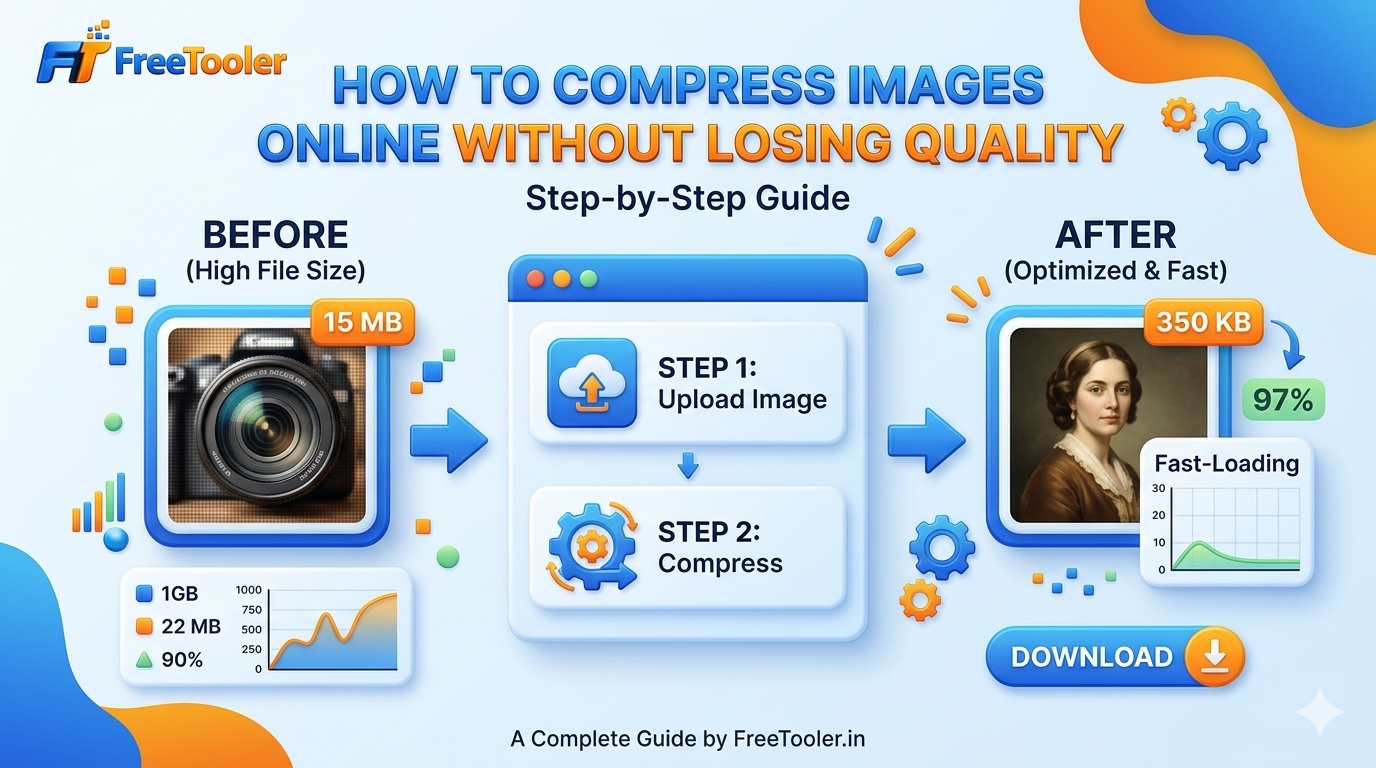
🛠️ How to Compress Images Online (Step-by-Step)
Follow these simple steps:
Step 1: Open Image Compressor Tool
Go to our free image compressor tool.
Step 2: Upload Your Image
Select the image file from your device.
Step 3: Choose Compression Level
Adjust quality settings if available.
Step 4: Compress the Image
Click on the compress button.
Step 5: Download Optimized Image
Download the compressed image instantly.
🔗 Try It Now
👉 Compress your images here:
💡 Tips to Compress Images Without Losing Quality
- Use JPG for photos
- Use PNG for graphics
- Avoid over-compression
- Resize images before uploading
- Use modern formats like WebP
⚠️ Common Mistakes to Avoid
- Uploading very large images
- Using the wrong file format
- Compressing multiple times
- Ignoring resolution
📊 Best Image Formats Explained
| Format | Best For |
|---|---|
| JPG | Photos |
| PNG | Graphics |
| WebP | Web optimization |
🔄 Image Compression vs Resizing
- Compression → reduces file size
- Resizing → changes dimensions
👉 Best practice: use both together
✅ Conclusion
Image compression is one of the easiest ways to improve website performance. By reducing image size without losing quality, you can enhance speed, SEO, and user experience.
Start using a reliable image compressor today and optimize your images for better results.
❓ Frequently Asked Questions (FAQ)
Q1: How can I compress images without losing quality?
You can use online image compressor tools that balance compression and quality settings.
Q2: What is the best format for compressed images?
WebP is the best for web usage, followed by JPG for photos.
Q3: Is image compression safe?
Yes, if you use trusted tools and avoid uploading sensitive images.
Q4: Does image compression affect SEO?
Yes, positively. Smaller images improve page speed and ranking.
Q5: Can I compress images on mobile?
Yes, most online tools work perfectly on mobile devices.

Free Tooler is your go to platform for free online utilties that make your tasks easier and fastor.
Discover wide range of tools that are 100% free and require no sign-up.
Popular Tools
Quick Links
Get In Touch
© 2026 FreeTooler. All Rights Reserved. | Designed & Developed By DE TECH | Terms of Service | Privacy Policy | Disclaimer